
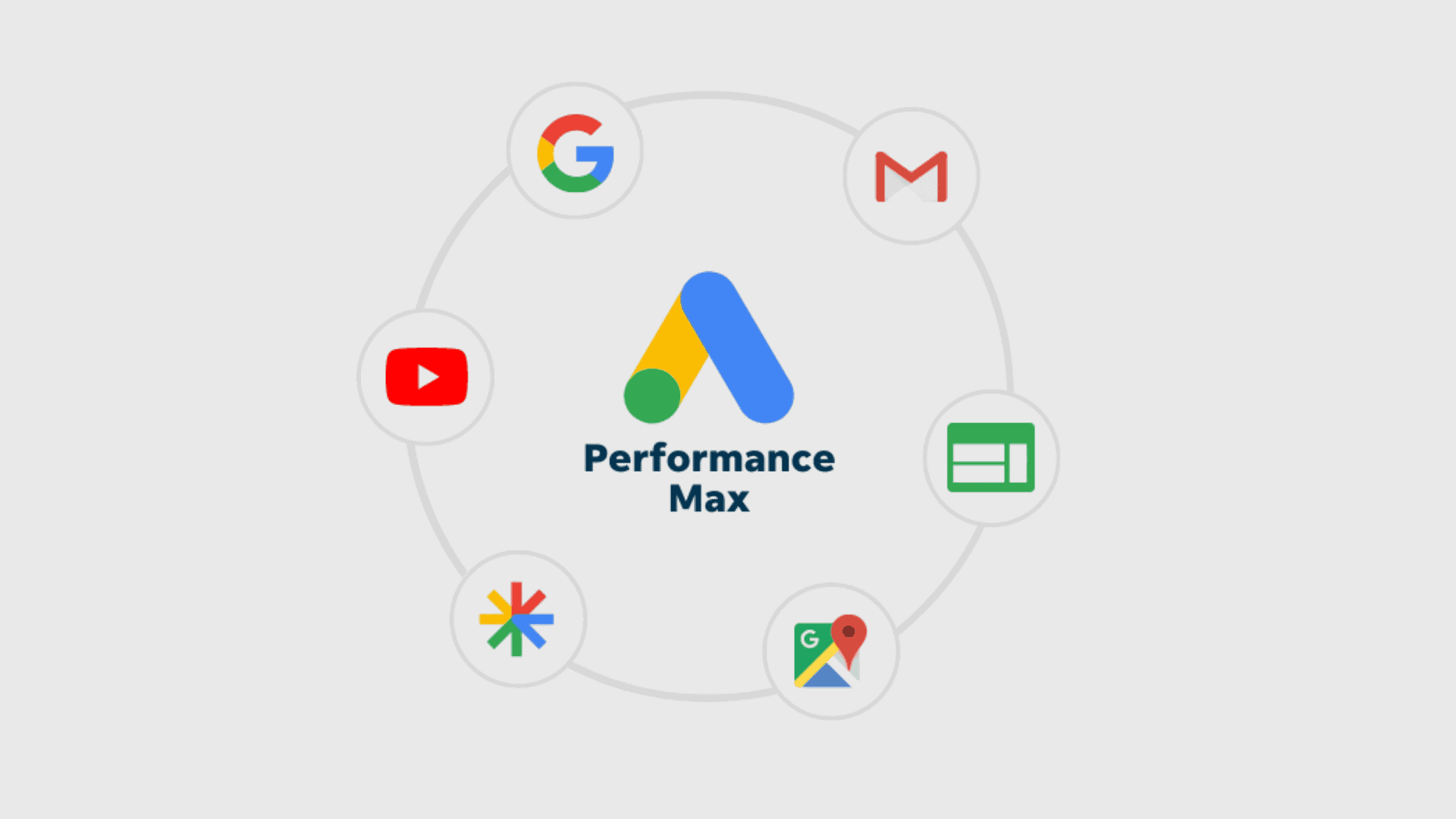
If you have logged into your Google Ads account anytime in the last two years, you have been pushed – gently at first, and then aggressively – toward Performance Max (PMax).
The pitch is seductive: “Give us your budget, your assets, and your goals, and our AI will find customers across YouTube, Display, Search, Discover, Gmail, and Maps. Trust the machine.”
For many brands, PMax has been a black box. You put money in, and (hopefully) revenue comes out. But you have no idea where your ads ran, who saw them, or why they converted.
In 2026, the “set it and forget it” phase of PMax is over. The brands winning today are not those who trust the machine blindly; they are the ones who know how to manipulate the inputs. They have discovered that PMax is not actually a black box – it is a puzzle box. And if you know where to press, you can unlock efficiency that the standard setup wizard will never give you.
This article peels back the layers of automation to reveal the optimisation strategies that separate the top 1% of advertisers from the rest.
The “Zombie Asset” Purge
When you launch a PMax campaign, Google asks for images, videos, headlines, and descriptions. It then mixes and matches these into thousands of combinations.
The dashboard will give you a “rating” for your assets: Low, Good, or Best. Most advertisers look at a “Good” rating and move on. This is a mistake.
The secret lies in the Combination Report.
Google’s algorithm is lazy. Once it finds a combination that works “okay,” it will over-serve it. You might have uploaded 15 images, but 90% of your budget is being spent on just two of them. The other 13 are “Zombie Assets” – they are technically active, but they are getting zero impressions and dragging down your overall Ad Strength score.
The Fix: Do not just look at the rating. Look at the impression volume. Every 30 days, ruthlessly delete any asset that has zero or near-zero impressions, even if Google rates it as “Good.” Force the algorithm to test the bench. By constantly pruning the dead weight, you force the AI to explore new creative territories rather than resting on a local maximum.
The “Feed-Only” Hack for E-Commerce
If you run an e-commerce brand, this is the single most profitable secret in your arsenal.
PMax is designed to show ads everywhere – including low-intent Display slots and interstitial mobile game videos. However, for e-commerce, the highest ROI almost always comes from the Shopping Tab (the product listing ads).
Google does not have a button that says “Shopping Only.” But you can force it.
The Strategy: Create a new PMax campaign, link your Merchant Center feed, and then – here is the secret – do not upload any images, videos, headlines, or descriptions.
When you provide no creative assets, PMax has no raw material to build Display or Video ads. It is forced to rely almost exclusively on your Product Feed. This effectively turns PMax into a “Smart Shopping” super-campaign.
Warning: Google will scream at you. The setup wizard will show poor Ad Strength warnings. Ignore them. This “Naked PMax” strategy strips away the fluff and focuses your budget entirely on high-intent shoppers looking for your specific products.
Scripting the Negative Placements
One of the biggest complaints about PMax is the lack of transparency regarding where ads show up. You might be spending 20% of your budget on accidental clicks from toddlers playing mobile games.
While Google removed the ability to easily exclude placements at the campaign level, you can still do it at the Account Level. But manual exclusion is tedious.
In 2026, sophisticated advertisers use Placement Exclusion Scripts. These are simple pieces of code (that your agency or dev team can install) that automatically scan your PMax placement reports daily.
The Logic: “If an ad placement contains the word ‘game’ or ‘puzzle’ or ‘kids’, automatically add it to the exclusion list.”
This acts as a 24/7 firewall, protecting your budget from low-quality inventory without you having to lift a finger. It ensures your premium brand isn’t appearing next to “Flappy Bird 4.”
Brand Exclusions: The Cannibalisation Trap
The most common reason PMax campaigns look like they are performing amazingly is because they are stealing credit.
If you have a loyal customer base who searches for your brand name (e.g., “Nike sneakers”), those conversions are cheap and easy. PMax loves easy wins. So, it will bid aggressively on your own brand name, claim the conversion, and report a massive Return on Ad Search (ROAS).
But you didn’t need PMax to get that customer. They were already looking for you. You effectively paid premium “AI prices” for traffic you could have captured with a cheap Brand Search campaign (or organic SEO).
The Secret: You must implement a Brand Exclusion List. This tells PMax: “You are forbidden from bidding on my brand name. Go find me NEW customers.”
When you do this, your PMax ROAS will drop. Do not panic. This is the “Real ROAS.” Now, the campaign is forced to do the hard work of prospecting. It is no longer cannibalising your organic traffic; it is generating incremental revenue.
New Customer Acquisition (NCA) Mode
Most PMax campaigns are set to “Maximise Conversion Value.” This treats all money as equal. A 100€ sale from a returning customer is valued the same as a 100€ sale from a new customer.
Strategically, this is wrong. A new customer is worth infinitely more because of their future Lifetime Value (LTV).
PMax has a hidden toggle called New Customer Acquisition (NCA) Goal.
- Value Mode: You can tell Google, “If this user is New, add a phantom 50€ to the conversion value.”
- The Math: If a new customer buys a 100€ item, PMax sees it as 150€. If a returning customer buys it, PMax sees it as 100€.
This subtly manipulates the bidding algorithm. It creates a bounty system. The AI will start bidding more aggressively for strangers and less aggressively for loyalists. This aligns the machine’s incentives with your business growth goals.
Signal Stacking: The “Trojan Horse” Audience
PMax is “keywordless,” but it is not “signal-less.” You can give the AI a head start by providing Audience Signals.
Most brands upload a generic “Site Visitors” list. This is weak. The secret is Competitor URL Conquesting.
You can create a custom audience segment based on “People who browse websites similar to…” and paste in the exact URLs of your top 5 competitors.
Why it works: You are effectively telling Google, “Look at the people shopping on my competitor’s site right now, and go find people who look exactly like them.”
This is the closest thing to “stealing” traffic allowed in the Google ecosystem. It provides the PMax algorithm with a high-intent prototype, shortening the learning phase significantly.
The “Video Builder” Trap
If you do not upload a video to PMax, Google will make one for you. It will take your static images, add a Ken Burns zoom effect, and overlay some generic royalty-free music.
It looks terrible. It looks like a slideshow made by a middle schooler.
And yet, because it is a “Video Asset,” PMax will push it onto YouTube Shorts and In-Stream placements. This can severely damage your brand perception.
The Rule: Never, ever let Google auto-generate video. If you do not have a high-quality video asset, use a tool like Canva or Premiere to create a simple, 6-second animated slideshow of your best sellers. Even a basic, branded motion graphic is better than the auto-generated “sludge.” You must control the narrative.
Reporting: Decoding the “Other”
Google’s reporting is notoriously opaque. If you look at the “Listing Groups” report, you will often see a category called “Other” eating up budget.
To see what is actually happening, you need to use the Insights Tab -> Consumer Spotlight.
Here, you can see the “Search Themes” that triggered your ads. This is the PMax equivalent of a Search Term report.
- The Secret: You cannot add Negative Keywords at the Asset Group level, but you can add them at the Campaign Level.
- The Routine: Check the “Search Themes” weekly. If you sell “Luxury Leather Boots” and you see PMax matching you for “Cheap rubber boots repair,” add “repair” and “cheap” to your negative keyword list immediately. The AI is smart, but it lacks common sense. You have to be the guardrails.
Feed Optimisation as a Ranking Factor
In PMax, your Product Feed is your creative. The algorithm reads your product titles to match search queries.
If your product title is “Men’s Runner – Black – Size 10”, you are invisible. The optimisation secret is Front-Loading.
- Bad Title: “Air Zoom Pegasus 39”
- Good Title: “Nike Running Shoes Men’s – Air Zoom Pegasus 39 – Black Jogging Sneakers”
PMax puts heavy weight on the first 30 characters. By rewriting your product titles to include the Category (Running Shoes), Brand (Nike), and Use Case (Jogging), you exponentially increase the number of auctions you are eligible for. This is “SEO for Ads.”
Conclusion
Performance Max is a Ferrari with an automatic transmission. You can put it in “Drive” and it will go fast. But if you want to win the race, you need to learn how to use the paddle shifters.
The strategies above – Negative Placements, Brand Exclusions, Feed-Only structures, and Signal Stacking – are the paddle shifters. They allow you to take the raw power of Google’s AI and channel it into profitable, incremental growth, rather than just expensive noise.
Don’t let the machine drive you. Drive the machine.
Is your budget being burned by the “Black Box”?
If you suspect your Performance Max campaigns are cannibalising your brand traffic or serving on low-quality placements, you are probably right. Auditing PMax requires a deep technical understanding of what settings Google hides by default.
Whether you need a “Feed-Only” setup for your e-commerce store or a full audit of your asset groups, book a free consultation call with us today. Our team is here to help you take back control of your automation.